
Welcome to UseOpenClaw
UseOpenClaw is a fully managed platform that lets you harness the power of OpenClaw without any of the setup complexity. We handle the hosting, security, and infrastructure so you can focus on building AI-powered experiences.
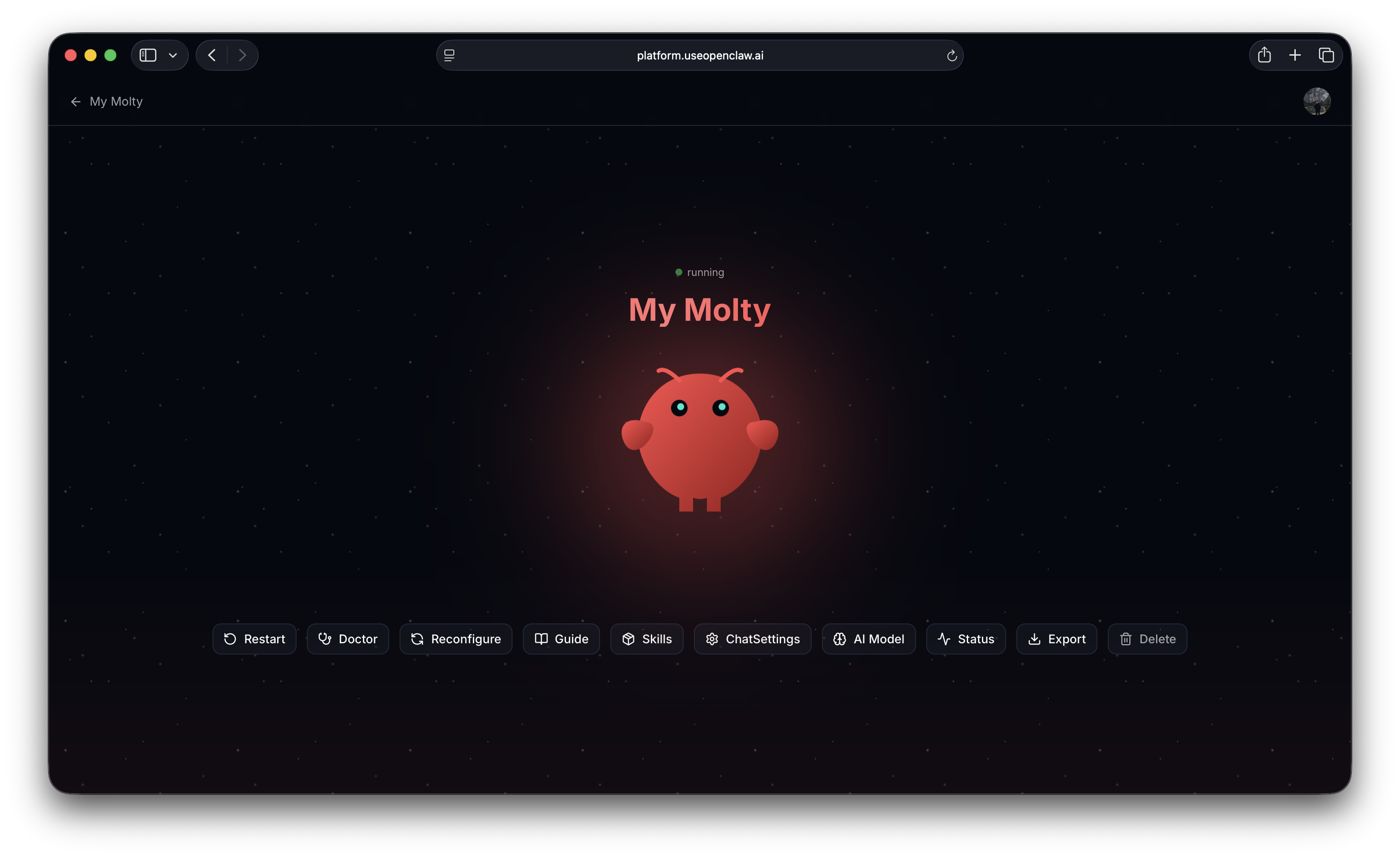
What is UseOpenClaw?
UseOpenClaw provides a hosted version of OpenClaw — the open-source AI gateway for connecting multiple AI providers, managing conversations across channels, and orchestrating intelligent agents.
With UseOpenClaw, you get:
- Instant setup — Sign up and start using OpenClaw in seconds. No servers to provision, no dependencies to install.
- Managed infrastructure — We handle scaling, updates, backups, and security patches.
- All OpenClaw features — Access the full power of OpenClaw including multi-provider support, channel integrations, and agent orchestration.
- AI usage included — Start building immediately with AI usage provided out of the box. You can also link your own AI subscription (e.g., OpenAI) for unlimited usage.
Your Own Cloud Computer
When you create a bot on UseOpenClaw, we provision a dedicated cloud computer just for you. OpenClaw runs entirely on this machine — it is not installed on your phone, your laptop, or any device you own. Everything operates in the cloud.
Your cloud computer is not shared with other users. It's a clean, isolated environment where your OpenClaw instance runs independently. All your data — conversations, memory, configuration, and skills — lives on this machine and stays private to you.
We don't access your computer or your data. Our role is to maintain the underlying infrastructure: keeping the machine running, applying security updates, and managing backups. Think of it as us providing and maintaining the hardware, while you have full control over what runs on it.
How It Works
- Create an account at platform.useopenclaw.ai
- Create a new bot — Connect your Telegram bot token to spin up your AI assistant
- Initialize your bot — Give it a name, identity, and personality through the guided setup
- Start chatting — Your AI assistant is live and ready to use in Telegram